Voice Assistant for Phone Support: Enterprise Playbook
How much of your phone support volume is real complexity, and how much of it is the same five questions showing up in different clothes? That question bothers...

How much of your phone support volume is real complexity, and how much of it is the same five questions showing up in different clothes?
That question bothers smart operators for a reason. You can throw more agents at the queue, patch an aging IVR, and hope hold times calm down. They usually don't.
A voice assistant for phone support changes the math, but only if you treat it like an operating model, not a shiny add-on. I've seen teams buy the voicebot first and figure out call flows later. That's backwards. This playbook is about what actually works: picking the right intents, setting handoff rules, connecting your CRM, and building something customers will actually use.
What a Voice Assistant for Phone Support Is
72%. That was the customer satisfaction number AdAI reported in 2026 for AI voice agents, up from 53% just three years earlier. I think that jump surprises people because most of us still picture phone automation as the same old IVR disaster with a nicer voice slapped on top.
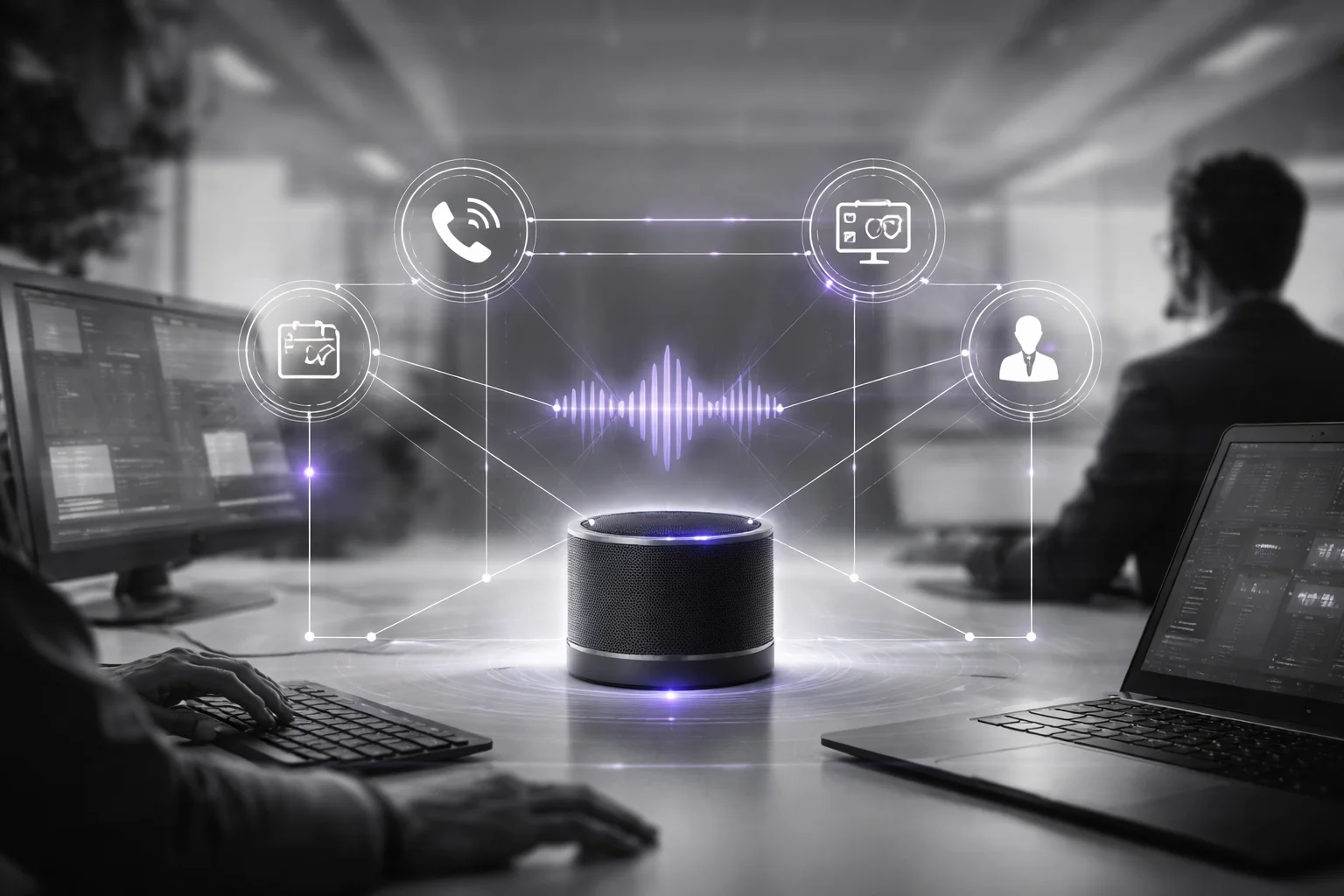
But that’s the whole point: a voice assistant for phone support isn’t just a rebranded phone tree. It’s an audio-first automation layer that listens with speech recognition (ASR), figures out what the caller wants through natural language understanding (NLU), speaks back using text-to-speech (TTS), and actually completes routine work inside your systems.
Routine work matters. A lot. Think about a dental group getting hit at 8:12 a.m. by patients trying to move appointments before their commute, or a regional bank fielding balance-check calls right after payroll lands, or a retail support line answering “Where’s my order?” for the 187th time before lunch. Those aren’t edge cases. That’s the day.
I’d argue people get this wrong when they call it “agent replacement.” That’s lazy executive shorthand. The better use for phone call automation is taking repetitive, rules-based, high-volume calls off human queues so customers get fast answers and agents stop burning time on tasks a system can finish in under two minutes.
The evidence isn’t fuzzy anymore. NICE data cited by AdAI in 2025 showed a 15% lift in first-call resolution from AI voice. PwC reported 93% user satisfaction with voice assistants, while also warning that trust drops fast when the system fails at basic requests. Both can be true at once. People love speed. They have zero patience for incompetence.
That should matter to any support leader reading this, because voice still carries more weight than plenty of strategy decks admit. CustomerThink wrote in 2026 that customers prefer voice for issue resolution even while many companies keep starving phone support of budget and attention. I think that gap explains why so many “customer-centric” brands still make callers say “representative” three times and hammer zero like it owes them money.
So what should the system actually handle? The obvious stuff first: order status, appointment changes, balance checks, identity verification. The boring repeatable jobs customers need done quickly and agents shouldn’t have to repeat 200 times a day.
A real assistant also needs to do the plumbing well. It should support intent detection for calls, trigger contact center CRM integration, and pass complicated cases to a human with context intact. Order number captured. Date of birth already verified. Reason for calling summarized before the agent even picks up.
If that handoff breaks, the whole thing breaks. Simple as that. If your caller has to repeat their name, account details, and problem from scratch after talking to the bot for ninety seconds, you didn’t build an assistant. You built a delay.
A serious voice AI for contact centers should work like a true conversational IVR replacement, not a cosmetic redo of the same dead-end menu logic companies were shipping fifteen years ago.
That’s what you should do about it: stop asking whether the bot sounds polished and start asking whether it resolves real front-line tasks, connects to your systems, and hands off cleanly when things get messy. If you want the cleaner architectural model, start here: Voice Assistant For Phone Support Design Framework.
The best version usually looks smaller than executives expect. Not some giant AI spectacle. Just the phone finally doing its job.
Why Phone-First Automation Beats Brittle IVRs
Monday, 8:12 a.m. A caller says, “I need to change tomorrow’s delivery address.” They’re outside, wind in the mic, probably juggling coffee and keys. The old system answers like it was built in 2009 and never forgiven for it: press 1 for orders, press 2 for billing, press 3 for something vaguely related. They pick the least-wrong option, get dumped into the wrong queue, mash zero twice, hang up, call back. I’ve watched teams look at a dashboard later that morning and grin because “containment” looked healthy. Then repeat calls jump by Thursday and nobody wants to own why.
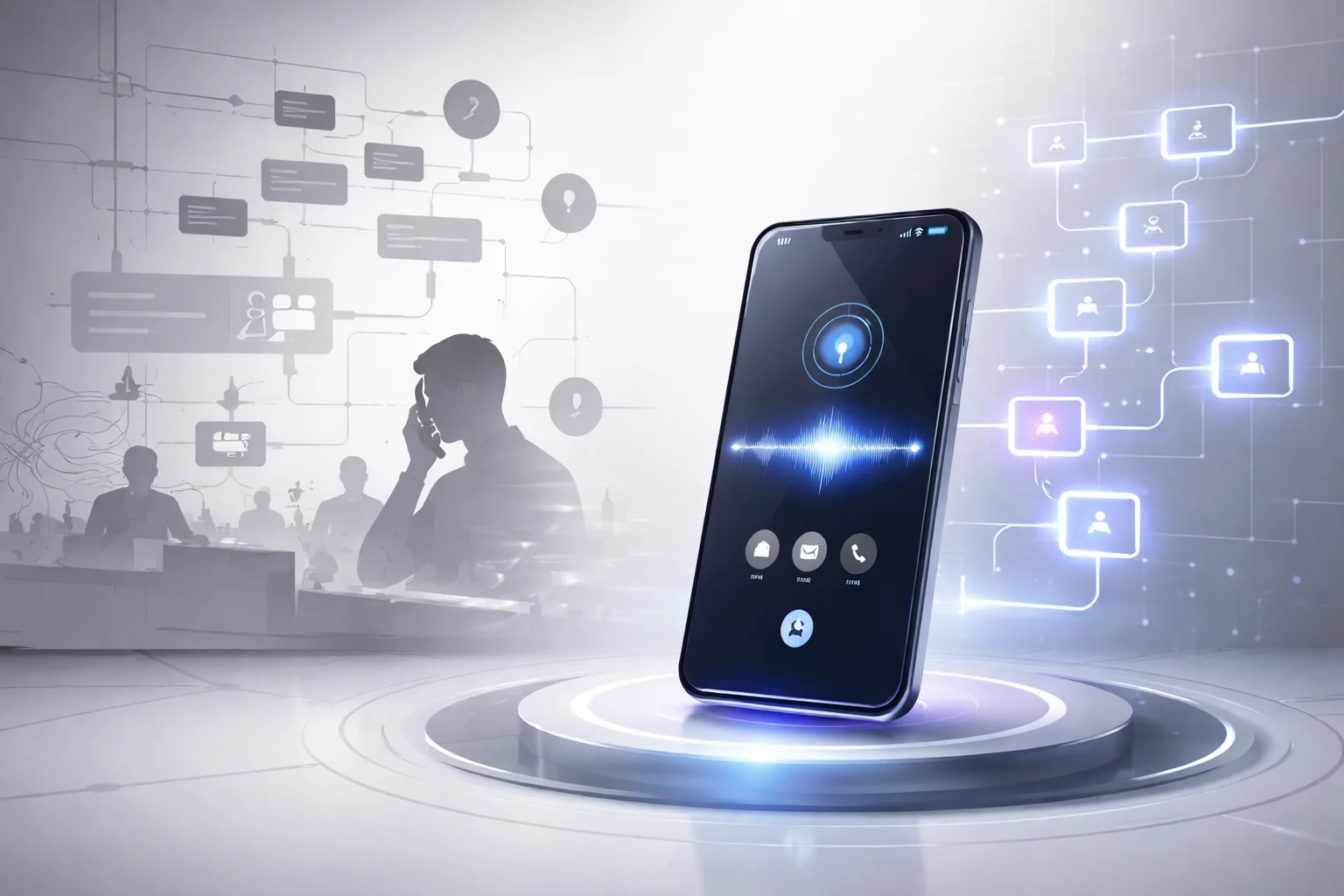
That’s the split. A voice assistant for phone support starts with what the person actually said. Legacy IVR starts with what somebody guessed callers might say six months ago in a conference room with a whiteboard and too much confidence.
I think that old routing logic gets defended way more than it deserves. It was built to move calls around cheaply. Fine. That’s routing. It’s not resolution. If the real goal is fixing the problem on the first try, a rigid tree is the wrong tool.
The adoption numbers make this pretty hard to dismiss as hype. AdAI reported in 2026, citing Gartner, that 42% of businesses already use AI voice assistants for customer interactions. Forty-two percent isn’t “let’s run a tiny pilot and hide it on slide 37.” Big companies don’t put this into customer operations at that scale unless it’s doing something better than a broken airport kiosk yelling options at people.
The technical difference matters because callers are messy in normal human ways. A brittle IVR catches keywords badly, offers canned paths, then breaks the second someone phrases the same request differently. A modern voice AI for contact centers works like an actual system: speech recognition (ASR) hears the request, natural language understanding (NLU) figures out what it means, and text-to-speech (TTS) responds naturally through a voicebot. Real people don’t say “existing order modifications.” They say “my package is going to the wrong building” while crossing a parking lot with traffic behind them and one bar of signal left.
People were ready for speaking long before most phone systems were ready to listen. PWC found in 2018 that 40% of consumers use voice to order or buy something every month. So no, callers aren’t rejecting automation on principle. They’re rejecting being forced to translate a plain request into button logic like they’re trying to have a conversation through a vending machine keypad.
The cost angle gets all the attention because the gap is ugly enough to show up in board decks fast. AdAI cited IBM in 2025 showing cost per interaction around $0.50 to $1 for AI versus $5 to $8 for human agents. At volume, that’s serious money. Run 100,000 interactions and you’re looking at roughly $50,000 to $100,000 on the AI side versus $500,000 to $800,000 with human handling alone. Cheap doesn’t win by itself, though. Cheap and annoying is still bad service wearing a finance badge.
The stronger signal is whether customers will do it again without dreading it. AdAI reported in 2026 that customer satisfaction with AI voice agents reached 72%, up from 53% three years earlier. Nineteen points isn’t noise. Customers aren’t handing out gold stars because automation exists. They’re responding when conversational AI actually works instead of dressing up old IVR misery with a nicer synthetic voice.
If you’re comparing systems, listen to the first five seconds of the call. Legacy IVR tells people to adapt themselves to your menu tree. Phone call automation opens with speech and uses intent detection for calls to decide whether it should solve the issue directly, route it somewhere specific, or escalate it.
Do the practical stuff first. For high-volume enterprises, treat the phone entry point like your front door because that’s exactly what it is. Start with your top 10 intents. Measure drop-off right after the greeting; if callers bail in under 15 seconds, your opening is probably broken. Track transfer rate by intent instead of hiding behind one overall transfer number. Watch completion rate for each self-service path. Connect account lookup and contact center CRM integration so your conversational IVR replacement can actually change an address, update an order, or confirm an account instead of narrating another dead end.
The part that surprises people? The best phone automation often feels more human than the old “live support” line ever did. That says something bleak about those old systems. It’s also true.
If you want the design steps behind that shift, read the Ai Phone Assistant For Enterprise Design Playbook.
Discovery: Find the Right Calls to Automate
At 9:34 p.m., a customer calls because her package still says “label created” in Shopify, your store is closed, and the IVR keeps dumping her into a voicemail box nobody checks until morning. She doesn’t want empathy training. She wants a straight answer: where’s my order? That’s the kind of call a machine can often handle well. Not the screaming return dispute. Not the fraud accusation. The boring, repeatable one.

That’s why I don’t buy the way people throw around the 70% number. A 2026 AdAI report citing Google Cloud said AI voice agents can resolve 70% of routine inbound calls without a human stepping in. Routine. That word does all the work, and people skip right over it. They hear “70%” and act like they can automate the ugliest queue in the building by next week.
You can’t.
A voice assistant for phone support should start where callers ask the same thing again and again, usually in slightly different wording, with a path that stays pretty stable from start to finish. Order status. Appointment changes. Password resets. Account balance checks. Store hours. Payment confirmation. Stuff that’s repetitive, not explosive.
I’ve watched teams go after returns escalations before they ever fixed “where is my order,” and I think that’s backwards every single time. One has edge cases stacked on edge cases. The other is often lookup, confirm, explain, done.
Don’t guess your way through discovery. Pull 60 to 90 days of transcripts, disposition codes, IVR exit paths, transfer logs, and repeat-call data. All of it. If you only look at one source, you’ll fool yourself fast. Group contacts by intent and check whether the pattern holds across channels, shifts, and agent teams.
The transcripts are where the truth usually is. Disposition codes look neat in dashboards, but they’re often garbage in practice because agents are flying through calls and picking whatever label is closest. I’ve seen “billing issue” cover card declines, address changes, duplicate charges, refund timing questions, and plain old confusion in a 12,000-call monthly queue. Transcripts show what people actually asked for, where intent detection for calls breaks down, and which requests follow a stable enough path for a voicebot using speech recognition (ASR), natural language understanding (NLU), and text-to-speech (TTS).
Ask uglier questions than most teams want to ask. Which intents bring the most volume? Which ones already run from a script anyway? Which ones need account lookup but not human judgment? Which ones keep failing after hours because nobody’s staffed? That last one matters more than people think. Zendesk data cited by AdAI in 2025 linked 24/7 availability to an 18% increase in satisfaction. If callers hit a wall at night for something simple, that’s usually a better automation target than some high-drama daytime exception flow.
And no, phone support isn’t dying because chat exists. A 2026 CustomerThink article reported that 71% of Gen Z would contact support by live phone call. Executives love acting shocked by that stat. I’m not shocked at all. People still pick up the phone when the issue actually matters or feels urgent.
Here’s the practical part. Score each intent on five things: volume, rule clarity, system access required, failure impact, and handoff frequency. If an intent has high volume, clear rules, and low downside when something goes wrong, move it up your phone call automation roadmap. If it’s high volume but packed with weird exceptions and constant transfers to humans, leave it alone for now.
Be specific while you score it. “Appointment changes” isn’t enough as a label if half those calls need insurance verification and half don’t. “Order status via Shopify tracking lookup with no carrier exception” is specific enough to evaluate. “Password reset using Okta identity verification with SMS fallback” is specific enough too. That level of detail tells you whether automation will work or just create another dead end.
Don’t let discovery turn into spreadsheet theater. You’re deciding what belongs in a real voice AI for contact centers rollout and what doesn’t. Your shortlist should account for contact center CRM integration, whether the use case can actually work as a conversational IVR replacement, and whether you’re solving the customer’s request instead of slapping nicer branding on another routing layer.
If you want structure for that process, use this Voice Assistant For Phone Support Design Framework. Pull the data. Rank the intents. Start with routine calls you can actually win. Earn the harder stuff later.
Design the Call Flow, Intent Detection, and Fallbacks
What actually breaks a support bot?
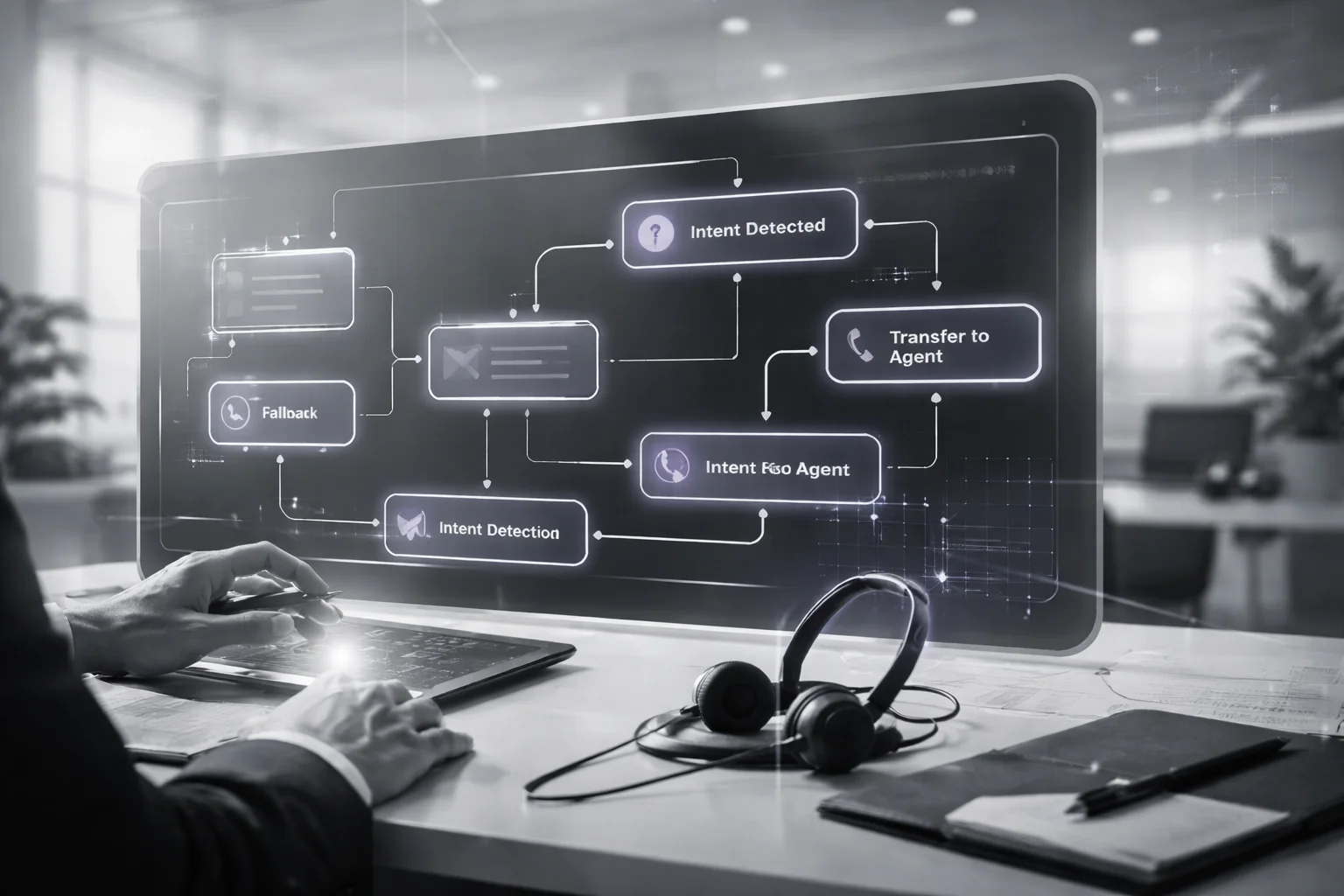
Not the accent. Not the pacing. Not whether the voice sounds like a calm 34-year-old from some product demo. I've watched teams obsess over that stuff while the real failure sat one layer down, waiting to wreck a live call before most people had finished coffee.
Monday, 8:17 a.m. Caller says, “I need to move my service appointment, and also my gate code changed.” The bot catches “appointment,” reschedules the visit, says its cheerful little goodbye, and hangs up. Hours later the technician is parked outside the property in a white van with no way through the gate. If you've ever worked support, you can already hear the blame meeting.
Everyone said the AI failed. Sure. But not because it sounded robotic.
The logic failed.
That's the answer people keep trying to dodge. A voice assistant for phone support lives or dies on call flow design: can it separate intents, collect what's missing, complete the task, and recover cleanly when it's unsure? If not, you've got a polished mistake.
The numbers back that up pretty hard. Stanford Digital Economy Lab said in its 2026 Enterprise AI Playbook that support teams can hit 82% ticket deflection when they redesign workflows instead of stapling AI onto old ones. Google Cloud figures cited by AdAI in 2025 said AI voice agents handle 70% of routine inbound calls. Routine is doing heavy lifting there. I think that's where teams fool themselves. They hear 70% and imagine magic. What they really need is discipline around boring calls that happen 500 times a day.
Most ugly deployments start with greed. One path, five requests, one giant mess. I'd do the opposite: one intent per path first, then earn complexity later.
Start with five decisions for every high-volume intent
- Trigger phrases: what callers really say, not what showed up in a strategy deck.
- Required data fields: only the details needed to finish the job.
- System actions: what has to happen in the backend.
- Success confirmation: what “done” sounds like out loud.
- Escalation rules: when the bot stops guessing and hands off.
Take “check order status.” That's not some abstract intent bubble on a whiteboard. It usually means grab an order number or phone number, run identity verification if policy says so, hit the OMS, read back status through text-to-speech (TTS), then offer one sensible next step. One. Not three options dumped on the caller like a buffet menu nobody asked for.
The flow should be simple enough to survive real callers
- Open capture: “How can I help today?”
- Intent detection: use speech recognition (ASR) plus natural language understanding (NLU) to classify what they want.
- Confirm only if confidence is shaky: “It sounds like you want to reschedule an appointment. Is that right?”
- Slot filling: ask only for missing fields. “What date works better?”
- Action: write back to the system of record.
- Close: confirm completion and offer one logical next step.
A good voicebot doesn't interrogate people like they're trying to cross a border with fake documents. Minimum input. Finished task. Done.
The part teams underrate is repair language. Short prompts save calls because they stop confusion from snowballing. “I didn't catch the order number. Please say it one digit at a time.” “Do you want billing support or technical support?” That's better than pretending confidence and launching into the wrong workflow anyway. PwC warned that trust drops when assistants fail basic requests, which sounds obvious until you hear how many systems still bluff certainty on live calls.
Error handling needs rules. Not hope.
- If intent confidence is low twice, route to a human.
- If authentication fails once for a risky task, switch paths and offer an agent.
- If backend systems time out, say so plainly and trigger graceful contact center CRM integration-based handoff with transcript summary attached.
- If callers change intent midstream, let the conversational AI pivot instead of forcing a restart.
I saw one retail team do this in 2025 using Salesforce Service Cloud on transfer: attach transcript summaries automatically so agents didn't have to ask for account details all over again. Average handle time dropped by 40 seconds. Tiny change on paper. Huge difference in caller mood at scale if you're taking even 10,000 calls a week.
This is where weak phone call automation projects split open. They chase containment and ignore trust, then act shocked when containment drops too because angry customers keep hitting zero or demanding a supervisor.
A strong conversational IVR replacement, especially one built with solid intent detection for calls, knows when to shut up and pass context forward inside your voice AI for contact centers. Genesys data cited by AdAI in 2025 found that removing routine calls from agent queues cuts burnout by 25%. Great result. But only if customers aren't trapped in dead ends first.
If you want templates for these flows, Buzzi's Voice Assistant For Phone Support Design Framework is worth your time. But here's the test I'd use before touching another prompt or voice model: if someone says two things at 8:17 on a Monday, will your system catch both?
Integrate with Contact Center Platforms and CRMs
Tuesday morning. Customer calls to change a shipping address before an order goes out. The bot handles it smoothly — repeats the street, catches the apartment number, confirms the ZIP, sounds calm, professional, almost weirdly polished. Call ends. Twelve hours later, the package still goes to the old address because Salesforce never changed a thing.
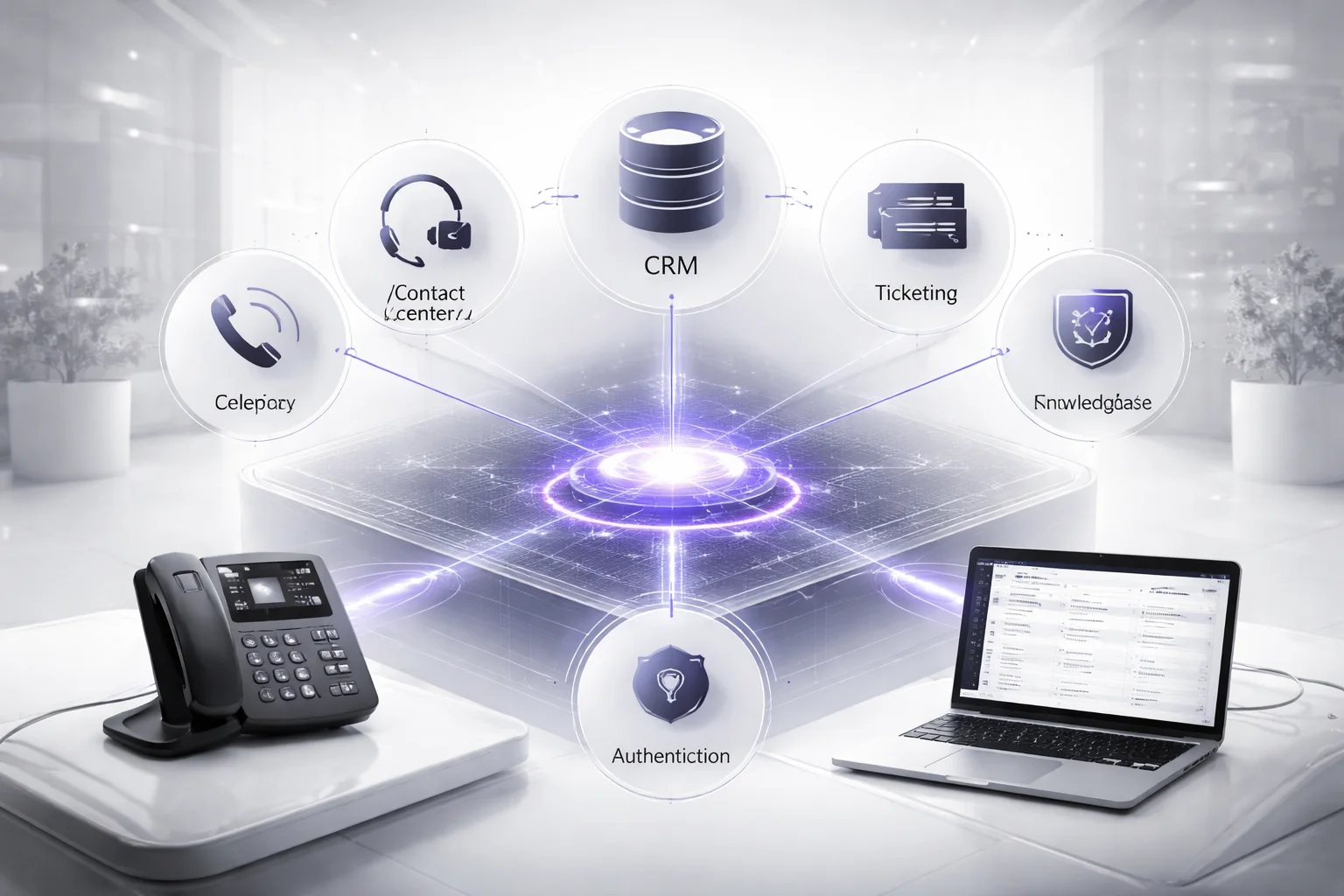
I’ve watched teams celebrate that kind of call in staging. Transcript looks clean. Voice assistant for phone support sounds sharp. Speech recognition (ASR) did its job. Natural language understanding (NLU) got the intent right. Everybody claps because the conversation worked. But the business process didn’t.
That’s the part people miss.
I’d argue most phone bot failures aren’t language failures at all. They’re integration failures wearing a nice voice. Teams split telephony, CRM sync, contact-center routing, ticketing, knowledge bases, and authentication into separate projects, then act shocked when phone call automation can answer questions but can’t finish a task that changes real data.
That isn’t automation. It’s theater with a headset on.
The fix is less glamorous than prompt tuning, and way more useful. Treat the whole thing as one transaction path: same call, same context, same customer record, same audit trail. If the assistant starts an address update during the call, it should either complete that write inside Salesforce or hand off to a human with every step already attached so the customer doesn’t have to repeat their name, order number, and problem for the second time in three minutes.
The handoff piece matters because handoff is normal. Stanford Digital Economy Lab reported in 2026 that customer support escalation typically lands around 71%, depending on task complexity and risk. That number doesn’t scare me. A messy transfer does.
If your voice AI for contact centers captures intent perfectly and then drops the caller into an agent queue with no verified identity, no account context, no transcript summary, and no record of what was already attempted, you didn’t build an assistant. You built a very expensive receptionist.
Different story if the system passes verified identity, detected intent, prior actions taken during the call, and a recommended next step directly into an agent desktop in Genesys Cloud or NICE CXone. Then the human starts on step four instead of step one. That’s where these systems finally feel competent.
Keep the plumbing boring and direct:
- Telephony and platform: connect SIP or CCaaS routing so transfers carry metadata intact, not just audio. If a call moves platforms and loses task state, you’re back to square one.
- CRM and ticketing: enable contact center CRM integration, case creation, record updates, and status reads inside tools like Salesforce or Zendesk so the bot can do more than talk about work.
- Knowledge and policy: ground your conversational AI in approved content sources so answers match actual company policy instead of whatever sounded plausible in testing.
- Authentication: match authentication depth to task risk before any write action happens. Reading store hours isn’t the same as changing an address or canceling an order.
I think this is why so many teams waste months polishing prompts while ignoring system access. A better prompt won’t rescue weak plumbing. Stanford reported 82% ticket deflection after workflow redesign in 2026. Not after making responses friendlier. Not after tweaking voice style for two sprints. Redesign did that.
You can see the same gap in market hype. AdAI, citing MarketsandMarkets, says conversational AI may reach $26.8 billion by 2028. Sure. Big number. Doesn’t help if your bot confidently confirms an address change and writes exactly nothing back to the CRM.
If you’re building a conversational IVR replacement, make one rule non-negotiable: intent detection for calls, text-to-speech (TTS), systems access, authentication rules, and reporting all need to agree on what happened during that call. Otherwise you’ve got a polished conversation sitting on top of operational failure. If you want the architecture version instead of the sales version, see Voice Assistant For Phone Support Design Framework.
Test, Govern, and Improve Voice AI at Scale
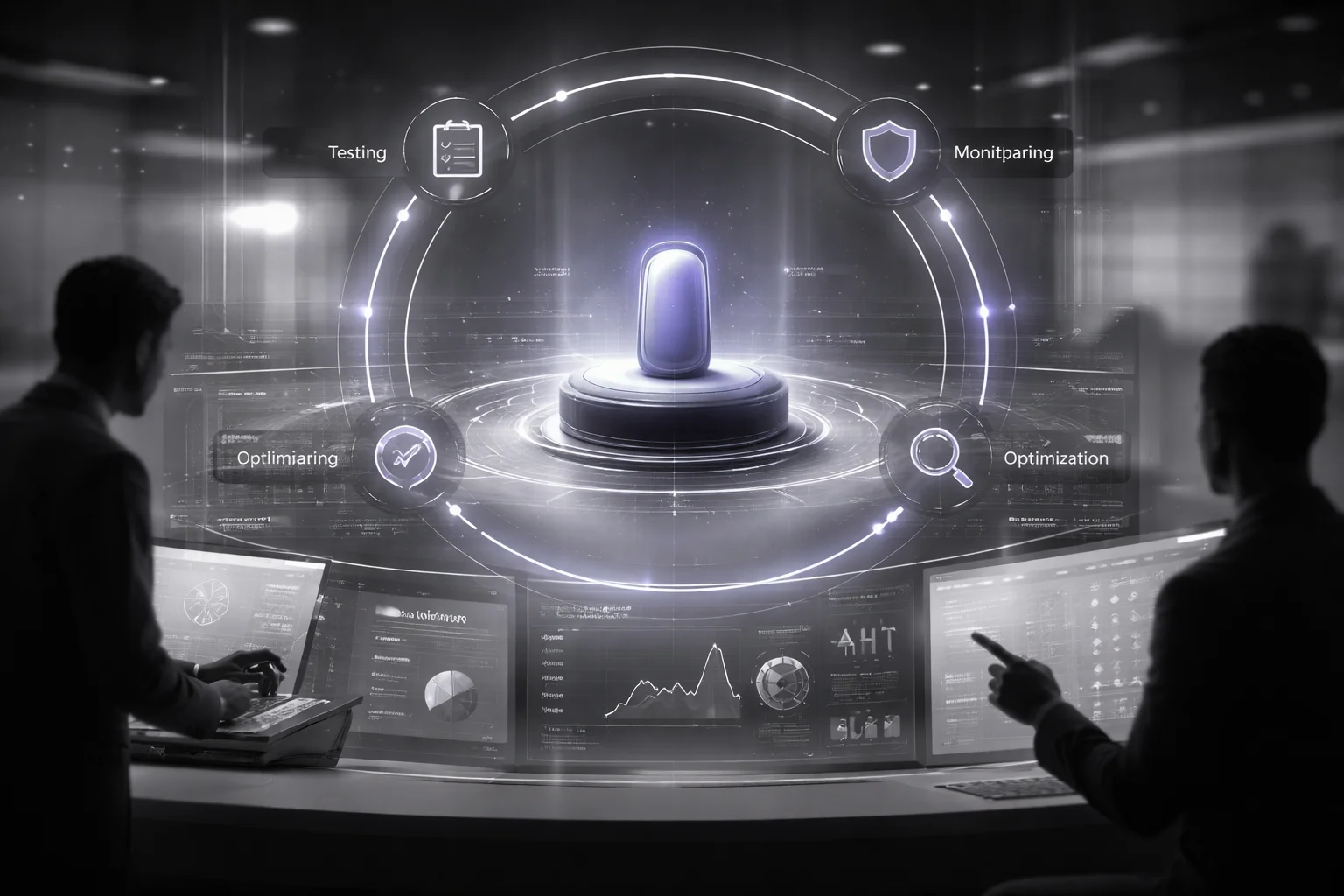
Hot take: launching a voice assistant for phone support isn't the hard part. That's the demo. The hard part is what happens a week later, after the applause, when the thing has taken a few hundred real calls and starts failing in ways nobody put on the sales slide.
Call 437 is usually where reality shows up. Somebody asks a basic billing question. The speech recognition (ASR) layer gets it wrong once, then again, then punts the caller to an agent with no summary, no context, nothing useful. The agent says hello. The caller says, “I already told the robot.” I've heard that line on support floors more than once. It lands like a threat.
People love to frame that as a trust issue. I think that's too soft. PwC's point was harsher and more useful: consumers hesitate to trust voice assistants with advanced tasks because they still don't trust them to handle simple ones reliably. That's not branding trouble. That's operations failing out loud.
And this is where teams get themselves in trouble. They treat deployment like a finish line instead of what it actually is: the start of a loop. If testing and governance aren't built in from day one, your polished launch becomes a slow-motion support incident with better design.
What you measure decides what breaks
I've watched teams celebrate shorter calls while customers got steadily more irritated. Terrible trade.
- AHT: track average handle time by intent before and after automation. A 2026 AdAI report citing Five9 data from 2025 said AI voice cut AHT by 40% on average. Fine. Use it as a reference point, not an excuse to force every call to end faster even if outcomes get worse.
- Containment rate: count only self-service resolutions that actually finished. Don't juice the number with calls your system kicked out of queue or handed to an agent after wasting ninety seconds asking useless questions.
- CSAT: score automated flows separately from human-handled ones. Blend them together and weak intents disappear into the average, which is how bad experiences survive for months.
- Transfer quality: check whether the voicebot passed intent, authentication state, transcript summary, and next-best action into the agent desktop. Miss any one of those and the handoff isn't a handoff. It's a reset button.
- Failure patterns: review low-confidence natural language understanding (NLU), repeated prompts, silent drop-offs, backend timeouts, and bad text-to-speech (TTS) confirmations. One timeout spike at 2:13 p.m. every weekday tells you more than fifty glossy “overall performance” charts ever will.
The part people skip is governance. That's usually where the expensive mistakes come from.
Do weekly transcript reviews for top intents. Red-team compliance scenarios before they become evidence on a recorded line. Lock approved prompts for regulated tasks so nobody improvises wording in production because they felt clever on a Tuesday afternoon. Set fallback thresholds by risk level instead of pretending every use case deserves the same confidence bar.
A lot of leaders still act like escalation is failure. I don't buy that at all. Stanford Digital Economy Lab reported that customer support often runs with 71% human-in-the-loop escalation depending on complexity and error tolerance. Good. That's sane design for real-world stakes, not proof your phone call automation failed.
The better model is almost boring: test one intent, ship small, monitor daily, fix failure clusters, expand later. Not flashy. Still works.
One enterprise team did exactly that during a voice AI for contact centers rollout. They tightened intent detection for calls, improved handoff metadata through contact center CRM integration, and removed weak menu logic inside a conversational IVR replacement. Result: lower AHT, cleaner transfers, higher caller trust.
Funny thing is, the most impressive voice systems often look conservative from the outside. Less magic. More discipline. If your bot still makes agents start from zero after transfer, what exactly did you automate?
The question worth sitting with
A voice assistant for phone support works when it’s treated as an operating system for call resolution, not a prettier IVR with a synthetic voice taped on top.
So start where the calls are repetitive, the intent detection is clear, and the cost of a miss won't light your support floor on fire. Then watch the parts most teams ignore: CRM synchronization, fallback handling, human handoff rules, and governance that catches failure before your customers do.
It’s kind of like trying to replace a front desk with a great smile and no filing cabinet, which isn’t a perfect analogy, but you get the problem. If your voice AI for contact centers can’t complete the task, route the edge case, and leave a clean record behind, you didn’t automate support. You automated disappointment.
If your callers are still doing the real work, who is your system actually helping?
FAQ: Voice Assistant for Phone Support
How does a voice assistant for phone support actually work?
A voice assistant for phone support listens to the caller with speech recognition (ASR), interprets the request with natural language understanding (NLU), decides the next step, and replies with text-to-speech (TTS). In practice, it connects intent detection, business rules, backend systems, and call routing so the caller can complete tasks like order status, appointment changes, or billing questions without waiting for an agent.
Why is voice AI a better replacement for traditional IVR menus?
Traditional IVRs force people to memorize menu trees and press buttons that rarely match what they actually need. A conversational IVR replacement lets callers speak naturally, which usually cuts friction, improves call deflection, and reduces average handle time because the system can capture intent immediately instead of making people fight the menu.
What types of calls should you automate first?
Start with high-volume, low-risk, repeatable requests like order status, password resets, appointment scheduling, store hours, balance checks, and basic policy questions. According to AdAI citing Google Cloud in 2025, AI voice agents handle 70% of routine inbound calls, which tells you where the easy wins usually are.
Can a voice assistant detect customer intent accurately during a call?
Yes, if you train it on real call data instead of guessing what customers will say. Intent detection for calls works best when you define clear intent groups, add sample utterances from actual transcripts, and separate similar requests like “change my address” and “track my order” so the system doesn't dump both into the same bucket.
What should happen when the assistant can’t understand the caller?
It shouldn't keep repeating the same useless prompt like a broken vending machine. Good fallback handling confirms what the system heard, asks one clarifying question, and then triggers a fast human handoff with the transcript and captured context so the caller doesn't have to start over.
How do you integrate voice AI with a contact center platform and CRM?
You connect the voice layer to your telephony stack, contact center platform integration, and CRM synchronization so the assistant can authenticate users, read account data, create tickets, and log outcomes automatically. Common setups tie into platforms like Genesys, Five9, NICE, Salesforce, HubSpot, or Zendesk, because phone call automation falls apart fast if the assistant can't see or update the same records your agents use.
What metrics should you track after launch?
Watch containment rate, transfer rate, first-call resolution, average handle time, fallback rate, intent recognition accuracy, abandonment rate, and customer satisfaction. According to AdAI citing Five9 in 2025, average handle time reduction from AI voice is 40%, so if your numbers aren't moving, your design or integrations probably need work.
Does voice AI need ongoing testing, governance, and compliance review?
Absolutely. Speech models drift, caller behavior changes, and edge cases pile up, so you need regular testing for dialogue paths, ASR accuracy, misroutes, policy violations, and escalation failures, along with governance and compliance checks for data retention, consent, authentication, and auditability.